Embedded Linux

Measuring DC Voltage, Current, Power, Energy & Charge with a Raspberry Pi

Do you have a requirement to measure the voltage, current and power drawn from a battery or by a device using a Raspberry Pi? Perhaps you are also seeking to measure energy consumed (watt/hours) or charge (amp/hours) to determine state of charge (SoC) like a coulomb counter? If the answer is yes, then one of the easiest ways of achieving this is via a dedicated I2C sensor wired into the Raspberry Pi. Hardware One of the more popular sensors for measuring voltage and current is the digital power monitors from Texas Instruments. At the time of writing, the portfolio included

Embedded Linux

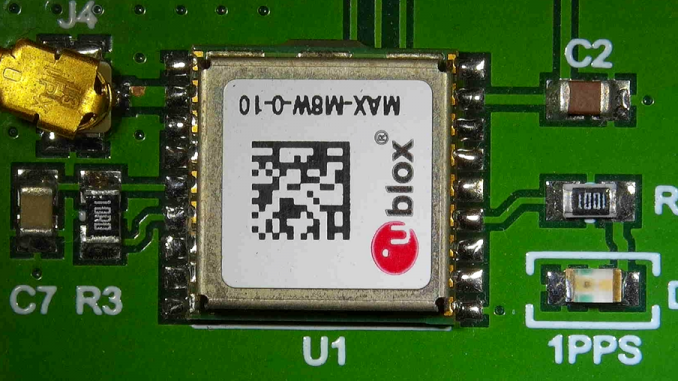
ANSI C Basic Lightweight NMEA Parser for GPS

For a recent OBD2 (vehicle/fleet data-logging) project running on a Raspberry PI Zero, I needed access to GPS data – both position/speed and time. The Raspberry PI doesn’t include a Real Time Clock (RTC). Upon boot, it doesn’t know what the actual time it is, unless it has access to a network and can retrieve the time via Network Time Protocol (NTP). With the logger fitted to a vehicle, a network connection wasn’t always available for NTP. Robust, feature rich software packages currently exist such as gpsd – a GPS service daemon. gpsd can also be used used in conjunction

CAN - Controller Area Network

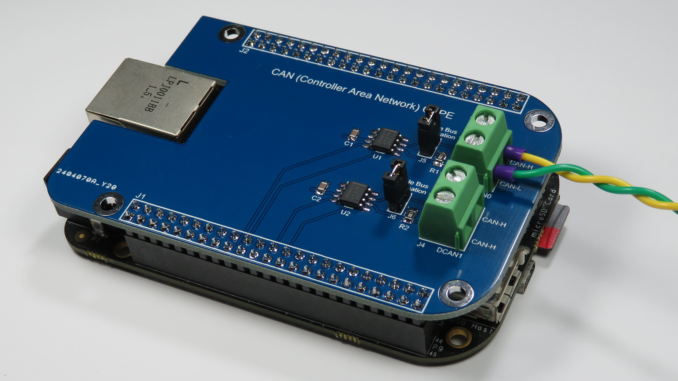
Adding CAN to the BeagleBone (Black)

The CAN bus (Controller Area Network) was originally designed by Bosch for the automotive market to connect ECUs (Engine/Electronic Control Units) together. Today, this robust communications bus is commonly found, not only in vehicles, but also on the factory floor in automation (e.g. CANOpen) and other applications such as PV solar inverter/battery Energy Storage Systems (ESS). The Sitara AM335x MCU found on the BeagleBone includes two CAN 2.0 controllers (DCAN) using IP modules from Bosch. The BeagleBone Black PCB, however, doesn’t include any CAN bus transceivers and these must be added externally. CAN Transceiver Wiring The BeagleBone Black has two DCAN ports: DCAN0

CAN - Controller Area Network

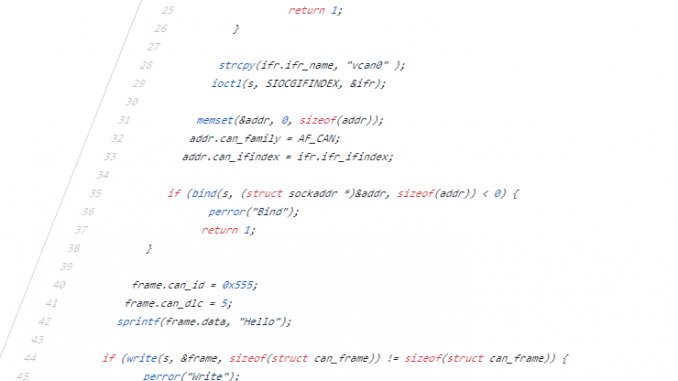
Example C SocketCAN Code

Writing user space C code to talk to CAN devices via the Linux SocketCAN interface is relatively simple and efficient. SocketCAN uses the Berkeley socket API and hence is very similar to communicating with other network socket devices. Below is a simple guide to get you started reading, writing and filtering CAN packets. Official documentation for the SocketCAN interface can be found at: https://www.kernel.org/doc/Documentation/networking/can.txt Complete code for the following examples can be found at the following GitHub repository: https://github.com/craigpeacock/CAN-Examples These examples do not include make files. To build a source file, you can simply use gcc. For example, to build

CAN - Controller Area Network

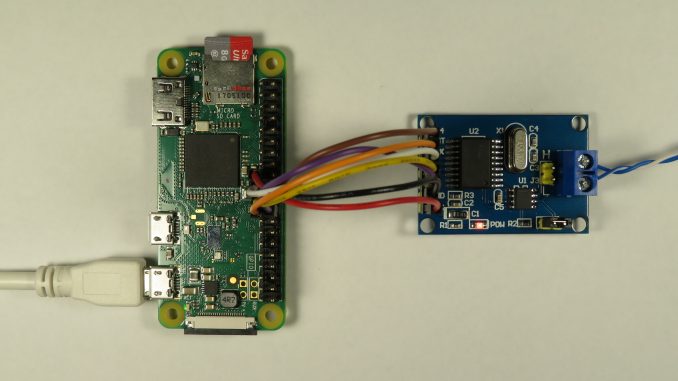
Adding CAN to the Raspberry PI

The CAN bus (Controller Area Network) was originally designed by Bosch for the automotive market to connect ECUs (Engine/Electronic Control Units) together. Today, this robust communications bus is commonly found, not only in vehicles, but also on the factory floor in automation (e.g. CANOpen) and other applications such as PV solar inverter/battery Energy Storage Systems (ESS). The Raspberry PI doesn’t natively support CAN. The Broadcom SoCs (System on a Chip) used by the Raspberry PI doesn’t include a CAN controller. The Linux kernel supports CAN and includes SocketCAN drivers for the Microchip MCP2515 Stand-alone CAN Controller with SPI Interface. Various

Embedded Linux

An Introduction to chardev GPIO and Libgpiod on the Raspberry PI

Linux 4.8 introduced a new GPIO user space subsystem for accessing GPIO. This tutorial provides an introduction to the new Character Device GPIO and explores how to control GPIO from the command line. sysfs GPIO User-mode GPIO (General Purpose Input/Output) has historically been performed via the legacy “integer-based”sysfs pseudo file system.  For example, to set GPIO25, one would: # echo out > /sys/class/gpio/gpio25/direction # echo 1 > /sys/class/gpio/gpio25/value GPIO access via this legacy sysfs interface has been deprecated since version 4.8 of the Linux kernel. chardev GPIO The new way of doing GPIO is via the “descriptor-based” character device ABI (Application Binary

Embedded Linux

Compiling U-Boot with Device Tree Support for the Raspberry Pi

U-Boot U-Boot (The Universal Bootloader) is a popular, feature rich, open source bootloader for embedded systems. It is licenced under the GNU General Public Licence version 2. While its primary purpose is to boot an operating system, such as Linux, it also provides many useful tools for developing and debugging embedded systems. This includes support for many common file-systems including FAT, ext3, ext4, NFS etc and interfaces such as USB, Ethernet (IP), MMC and even Asynchronous Serial (Kermit/xmodem/ymodem). This allows the developer to load new images and file-systems from a variety of sources for testing and/or reflashing. It also includes