Embedded Linux

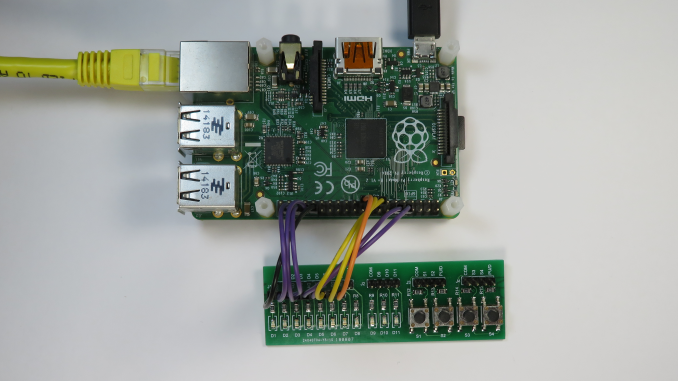
An Introduction to chardev GPIO and Libgpiod on the Raspberry PI

Linux 4.8 introduced a new GPIO user space subsystem for accessing GPIO. This tutorial provides an introduction to the new Character Device GPIO and explores how to control GPIO from the command line. sysfs GPIO User-mode GPIO (General Purpose Input/Output) has historically been performed via the legacy “integer-based”sysfs pseudo file system.  For example, to set GPIO25, one would: # echo out > /sys/class/gpio/gpio25/direction # echo 1 > /sys/class/gpio/gpio25/value GPIO access via this legacy sysfs interface has been deprecated since version 4.8 of the Linux kernel. chardev GPIO The new way of doing GPIO is via the “descriptor-based” character device ABI (Application Binary

Electronics Hardware

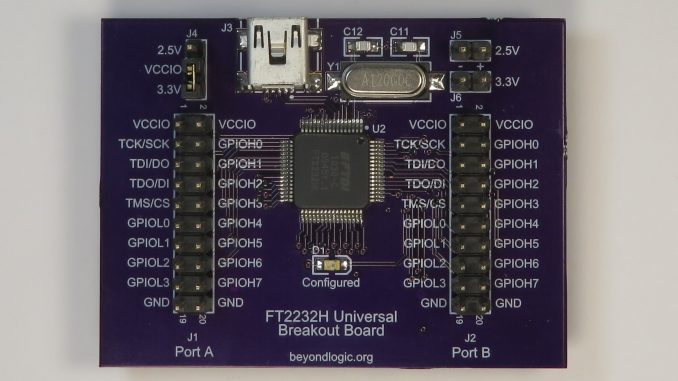
FTDI FT2232H USB to UART/MPSSE/JTAG Breakout Board

The FTDI FT2232H Hi-Speed Dual USB UART/FIFO Breakout Board provides a variety of standard serial and parallel interfaces: Asynchronous UART JTAG I2C SPI Parallel FIFO The board includes two linear regulators offering either 3.3V or 2.5V IO. An on-board Serial EEPROM stores custom USB descriptors, VID/PIDs and configurations. Design Files Design files can be downloaded from the Circuit Maker website. Circuit Maker is a free EDA tool from Altium. FT2232H Breakout version 1.A.1 Gerbers (Zip) FT2232H Breakout version 1.A.1 Schematics (PDF) The PCB for this design was fabricated by oshpark.com

Embedded Linux

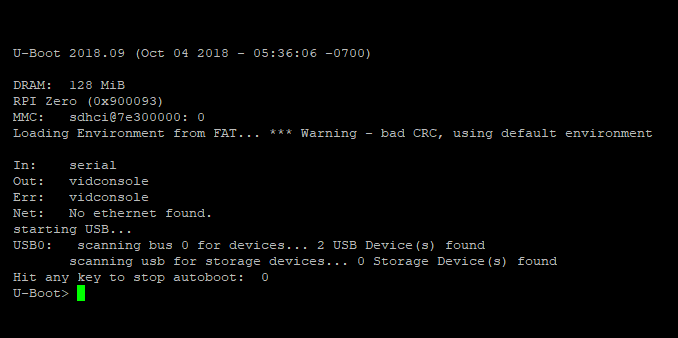
Compiling U-Boot with Device Tree Support for the Raspberry Pi

U-Boot U-Boot (The Universal Bootloader) is a popular, feature rich, open source bootloader for embedded systems. It is licenced under the GNU General Public Licence version 2. While its primary purpose is to boot an operating system, such as Linux, it also provides many useful tools for developing and debugging embedded systems. This includes support for many common file-systems including FAT, ext3, ext4, NFS etc and interfaces such as USB, Ethernet (IP), MMC and even Asynchronous Serial (Kermit/xmodem/ymodem). This allows the developer to load new images and file-systems from a variety of sources for testing and/or reflashing. It also includes